Capture
Select a region, full screen, file, or clipboard image.
 Shotnes
● Ukrainian Desktop Screenshot Tool · v2.6.0
Shotnes turns screen captures and recordings into clear, shareable visual explanations.
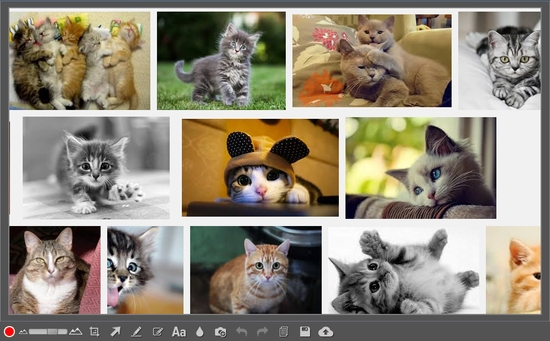
A shorter path to clarity
Select a region, full screen, file, or clipboard image.
Draw, label, blur, crop, and add numbered steps.
Make the important detail impossible to miss.
Copy a link or save the finished file locally.
The main advantages
No registration
No advertising
No watermarks
Direct links or clipboard copy
Completely free
Create screenshot collages, record GIF / MP4
Screenshot editor
Keep the whole story in one frame. Add arrows, text, numbered steps, rectangles, blur, and a clear visual hierarchy.
const response = await fetch(endpoint);
if (!response.ok) throw error;
Video + GIF recorder
Record a selected area with optional microphone audio, highlight mouse clicks, then annotate the timeline with arrows, rectangles, blur, and text.
Utilities, when you need them
Scan QR codes directly on your PC without a phone or extra context switching.
Keyboard-first by default
Region capture Print
Full screen Ctrl + Print
OCR scanner Shift + Print
Undo / redo Ctrl + Z, Ctrl + Y
Move tools with the left, screenshots with Shift + left mouse button LMB / Shift + [LMB]
Change layer order Shift + [+] / Shift + [-]
Enable numbering Ctrl / Cmd
Add images from the clipboard or files Clipboard / File
Ready when your next bug appears
Windows and macOS · Version 2.6.0 · Free download
No registration · Local capture and editing available immediately